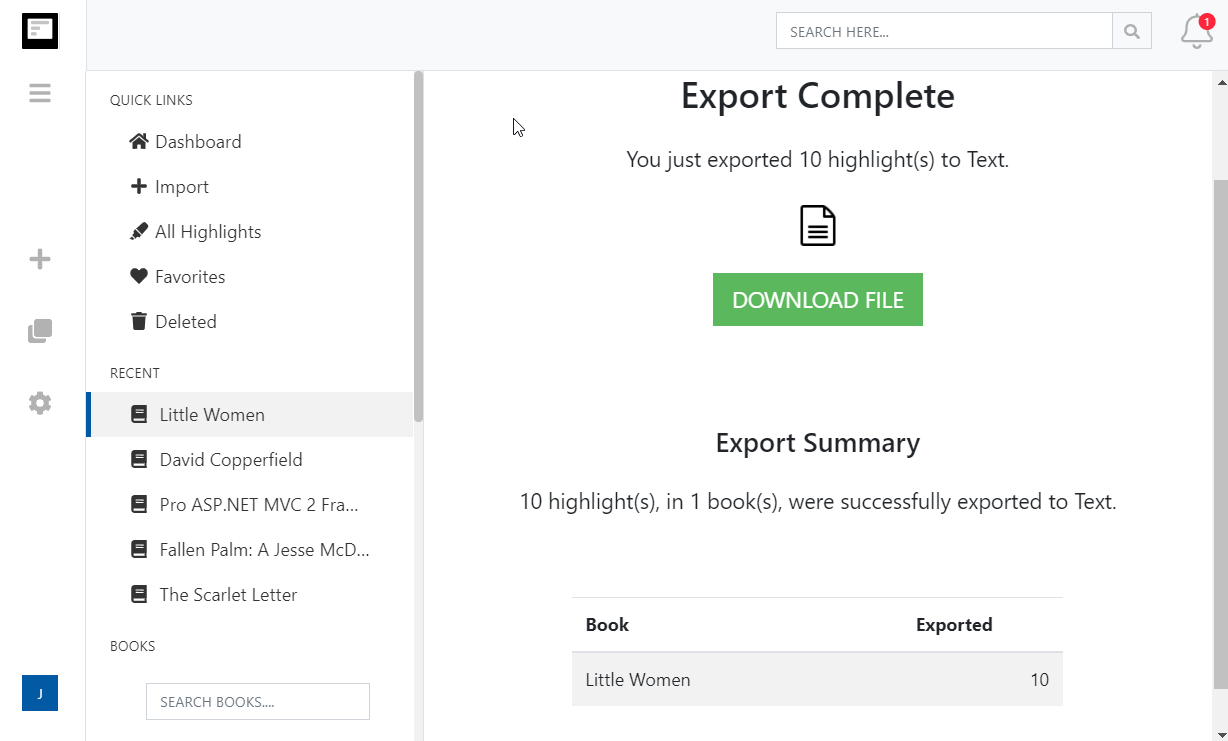
Exporta tus destacados de Kindle a OneNote
Envía todos tus destacados y notas de Kindle a un bloc de notas de Clippings.io en OneNote, una página por libro, y mantenlo al día automáticamente.
How to export Kindle highlights to OneNote
- 1
Import your Kindle highlights
Use the Clippings.io browser extension to pull in highlights from books bought on Amazon, or upload the My Clippings.txt file from your Kindle to include personal documents. Duplicates are removed automatically.
- 2
Connect OneNote
Open Settings, Integrations in Clippings.io, choose OneNote and sign in with your Microsoft account. Clippings.io asks only for permission to manage the pages it creates.
- 3
Export
Select the books or highlights you want, open the Export menu and pick OneNote. Clippings.io creates a Clippings.io notebook with a Books section and writes one page per book.
What you get in OneNote
Real OneNote pages you can search, tag, ink over and take anywhere, not attachments.
- A Clippings.io notebook with a Books section
- Clippings.io creates the notebook and section on the first export and reuses them afterwards. Move it into your notebook list wherever it fits.
- A page per book with every highlight and note
- Each page is titled with the book, and holds every highlight and the notes you attached to them as OneNote text. Prefer one long page for everything? Choose one document in the export options.
- Re-export without duplicates
- Export a book again and its page is replaced with the latest highlights. Books with nothing new are not touched, so repeat exports are fast.
- Automatic exports
- Turn on Auto Export and every import is pushed to OneNote as soon as it finishes, so the notebook is always current.
- Opciones de formato de exportación avanzadas
- Define exactamente cómo te gustaría que se formatearan los aspectos destacados de tu Kindle, incluidas las opciones de estilos de citas (Chicago, MLA, APA) y la capacidad de incluir etiquetas y notas.
Kindle to OneNote questions
- Where do my Kindle highlights end up in OneNote?
- In a notebook called Clippings.io, in a section called Books. Every book becomes one page in that section, with each highlight and note as text on the page. Choose one document in the export options if you would rather have a single page for everything.
- What happens if I export the same book twice?
- The book's page is deleted and recreated with the latest highlights, so you never get duplicate pages or duplicate highlights. Anything you typed onto that page in OneNote is lost with it, so keep your own notes on a separate page or in Clippings.io.
- Can I choose the citation style and which notes are included?
- Yes. Open Show Advanced Export Options to pick highlights, notes, bookmarks or clippings, the sort order, and a citation style of Simple, Chicago, APA or MLA. Your choices are saved for OneNote and reused by Auto Export.
- Which OneNote accounts work?
- Personal Microsoft accounts. Clippings.io connects through your Microsoft account and asks only to update content created by the app. Work or school accounts managed by an organisation may block third-party apps.
- How long does an export to OneNote take?
- The first export of a large library can take a while because Microsoft limits how quickly pages can be created. Later exports send only books with new highlights, so they finish in seconds. The export runs in the background and you can carry on using Clippings.io.
- Can I export to OneNote on the free plan?
- Yes. On the free plan each exported highlight is cut to its first 100 characters, which is enough to see how the export looks. The professional plan removes the limit, and your first export after upgrading resends everything in full.
Clippings.io also exports Kindle highlights to Notion, Markdown, Dropbox, Google Drive, OneDrive, Evernote, Word, Excel, PDF, Text, EPUB, JSON, OpenDocument Text and OpenDocument Spreadsheet.
¿Listo para sumergirte?Empieza hoy mismo con una cuenta gratuita.
Resalta una vez, recuerda para siempre. Empieza a aprovechar al máximo los libros que lees en tu Kindle.
Regístrate gratis