Preguntas frecuentes
¿No encuentras la respuesta que buscas? Ponte en contacto a través de nuestro equipo de atención al cliente
- ¿Cómo puedo importar mis destacados de Kindle a Clippings.io?
- Solo tienes que utilizar el Extensión del navegador Clippings.io o subir tu archivo 'my clippings.txt' en el Importar página
- ¿Qué versiones de Kindle son compatibles?
- Admitimos todas las versiones de Amazon Kindle. Si importas a través de la extensión de navegador de Clippings.io, admitimos todas las versiones de Kindle, así como cualquier dispositivo que sea compatible con las distintas aplicaciones de lectura de Kindle, por ejemplo, iPad, iPhone y dispositivos Android. Si estás importando a través de tu archivo 'My Clippings.txt', admitimos todas las versiones de Kindle que crean un archivo de recortes. Para ver instrucciones paso a paso en cada modelo, desde el Kindle básico hasta el Scribe y la app de Kindle, consulta Cómo destacar en Kindle.
- ¿Cómo puedo exportar mis destacados de Kindle?
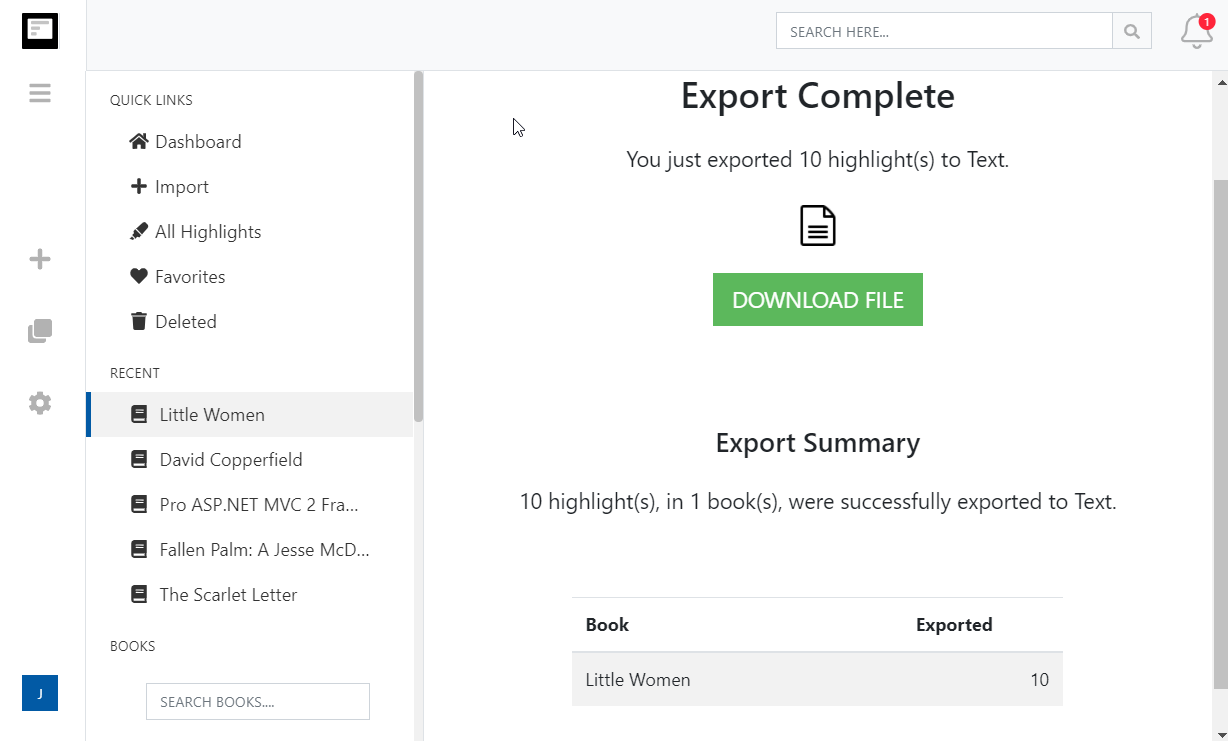
- Exportar lo más destacado de tu Kindle nunca ha sido tan fácil. Solo tienes que ir al exportar página y elegir la integración de destino o el formato de archivo.
- ¿Puedo importar las notas destacadas de Kindle y las notas hechas en documentos personales (documentos que no son de Amazon)?
- Sí. Consulta nuestra publicación de blog Cómo guardar los destacados de Kindle en documentos personales
More about Kindle highlights and Clippings.io
- Where are my Kindle highlights stored?
- In up to four places: on the Kindle inside each book, in the My Clippings.txt file on the device, at read.amazon.com/notebook for books bought from Amazon, and in the Kindle app. Each shows a different subset. Where your Kindle highlights are, and how to export them walks through all four.
- How do I delete a Kindle highlight?
- Tap the highlight on the Kindle or in the app and choose Delete, or use the highlight's menu at read.amazon.com/notebook. Deleting in Clippings.io never changes anything on Amazon or the Kindle. See how to delete Kindle highlights.
- Does Clippings.io work with Amazon stores outside the United States?
- Yes. The browser extension has a store picker for amazon.com, .co.uk, .de, .fr, .es, .it, .nl, .ca, .com.mx, .com.br, .com.au, .in and .co.jp, and My Clippings.txt is the same file on every Kindle. Evernote China (印象笔记) is supported as its own export connection.
- Which files can I upload?
- My Clippings.txt from the Kindle, the Notebook export (.html) that the Kindle app emails you, and JSON exports from Clippings.io itself. Uploads are deduplicated against everything you have already imported, so re-uploading a file never doubles your library.
- Is Clippings.io a browser extension or a website?
- Both. Your library lives in the web app at my.clippings.io. The browser extension for Chrome, Edge, Firefox and Brave is the fastest way to import from Amazon; the web app also accepts file uploads. There are no mobile apps.
- What can I export to?
- Notion, Markdown, Dropbox, Google Drive, OneDrive, OneNote, Evernote, Word, Excel, PDF, Text, EPUB, JSON, OpenDocument Text and OpenDocument Spreadsheet. Every destination remembers what it has already received, so a repeat export sends only new highlights; a reset re-sends everything.
- What does the free plan include?
- Unlimited imports from Amazon and from files, deduplication, the highlights explorer with editing, tagging and search, and every export destination with each exported highlight cut to its first 100 characters. The professional plan removes the 100-character limit; see pricing. There is no free trial of the professional plan and no lifetime plan.
- Do exports create duplicates if I run them again?
- No. Clippings.io keeps a record of what each destination has received. Cloud destinations get only the books with new highlights, and a book's note or file is replaced rather than duplicated. If you want everything sent again, reset the destination in Settings, Integrations.
¿Listo para sumergirte?Empieza hoy mismo con una cuenta gratuita.
Resalta una vez, recuerda para siempre. Empieza a aprovechar al máximo los libros que lees en tu Kindle.
Regístrate gratis