常见问题
找不到您要找的答案? 联系我们的 客户支持团队
- 如何将 Kindle 标注导入 Clippings.io?
- 只需使用 Clippings.io 浏览器插件 或将您的“my clippings.txt”文件上传到 导入页面
- 你们支持哪些 Kindle 版本?
- 我们支持所有版本的亚马逊 Kindle。 如果您通过 Clippings.io 浏览器扩展程序导入,我们支持所有 Kindle 版本以及支持各种 Kindle 阅读器应用程序的任何设备,例如 iPad、iPhone 和安卓设备。如果您通过 “My Clippings.txt” 文件导入,我们支持所有创建剪报文件的 Kindle 版本。从基础款 Kindle 到 Scribe 和 Kindle 应用,各型号的分步说明请参阅如何在 Kindle 上标注。
- 如何导出我的 Kindle 标注?
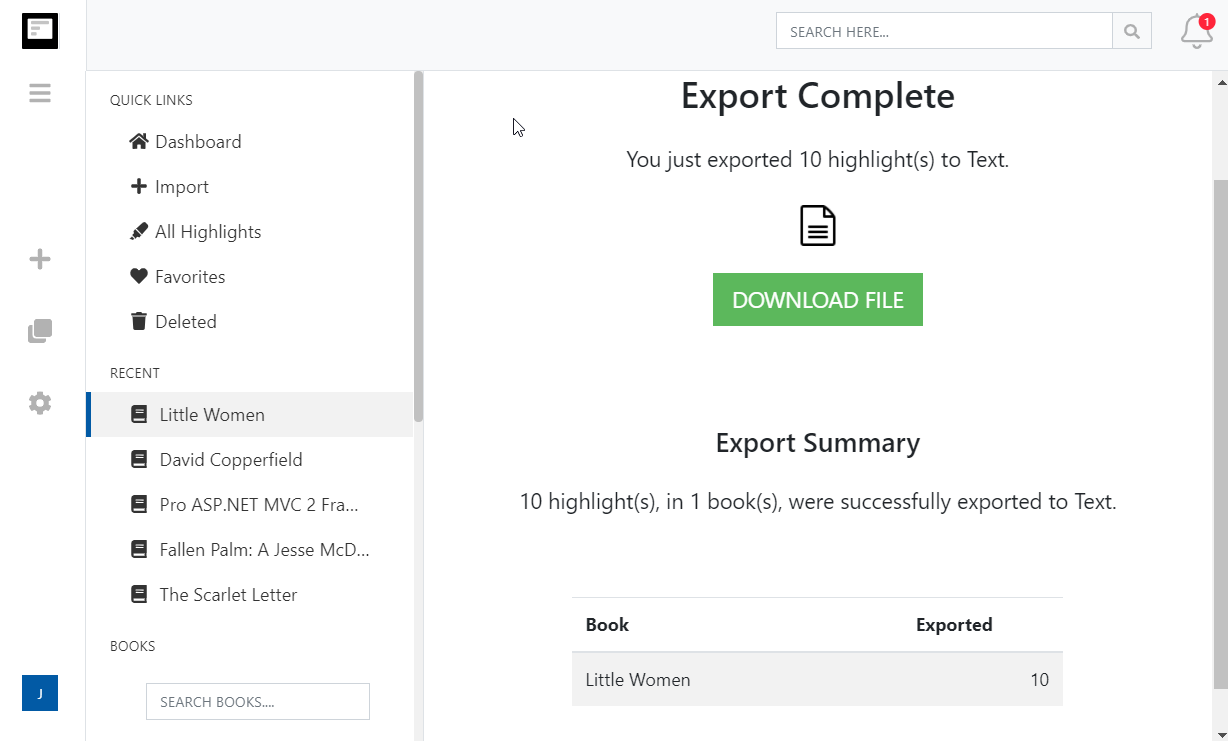
- 导出您的 Kindle 标注从未如此简单。只需转到 导出页面 并选择目标集成或文件格式。
- 我可以导入在个人文档(非亚马逊文档)上制作的 Kindle 标注和笔记吗?
- 是的。请参阅我们的博客文章 如何在个人文档中保存 Kindle 标注
More about Kindle highlights and Clippings.io
- Where are my Kindle highlights stored?
- In up to four places: on the Kindle inside each book, in the My Clippings.txt file on the device, at read.amazon.com/notebook for books bought from Amazon, and in the Kindle app. Each shows a different subset. Where your Kindle highlights are, and how to export them walks through all four.
- How do I delete a Kindle highlight?
- Tap the highlight on the Kindle or in the app and choose Delete, or use the highlight's menu at read.amazon.com/notebook. Deleting in Clippings.io never changes anything on Amazon or the Kindle. See how to delete Kindle highlights.
- Does Clippings.io work with Amazon stores outside the United States?
- Yes. The browser extension has a store picker for amazon.com, .co.uk, .de, .fr, .es, .it, .nl, .ca, .com.mx, .com.br, .com.au, .in and .co.jp, and My Clippings.txt is the same file on every Kindle. Evernote China (印象笔记) is supported as its own export connection.
- Which files can I upload?
- My Clippings.txt from the Kindle, the Notebook export (.html) that the Kindle app emails you, and JSON exports from Clippings.io itself. Uploads are deduplicated against everything you have already imported, so re-uploading a file never doubles your library.
- Is Clippings.io a browser extension or a website?
- Both. Your library lives in the web app at my.clippings.io. The browser extension for Chrome, Edge, Firefox and Brave is the fastest way to import from Amazon; the web app also accepts file uploads. There are no mobile apps.
- What can I export to?
- Notion, Markdown, Dropbox, Google Drive, OneDrive, OneNote, Evernote, Word, Excel, PDF, Text, EPUB, JSON, OpenDocument Text and OpenDocument Spreadsheet. Every destination remembers what it has already received, so a repeat export sends only new highlights; a reset re-sends everything.
- What does the free plan include?
- Unlimited imports from Amazon and from files, deduplication, the highlights explorer with editing, tagging and search, and every export destination with each exported highlight cut to its first 100 characters. The professional plan removes the 100-character limit; see pricing. There is no free trial of the professional plan and no lifetime plan.
- Do exports create duplicates if I run them again?
- No. Clippings.io keeps a record of what each destination has received. Cloud destinations get only the books with new highlights, and a book's note or file is replaced rather than duplicated. If you want everything sent again, reset the destination in Settings, Integrations.