Account Management
Changing your Password
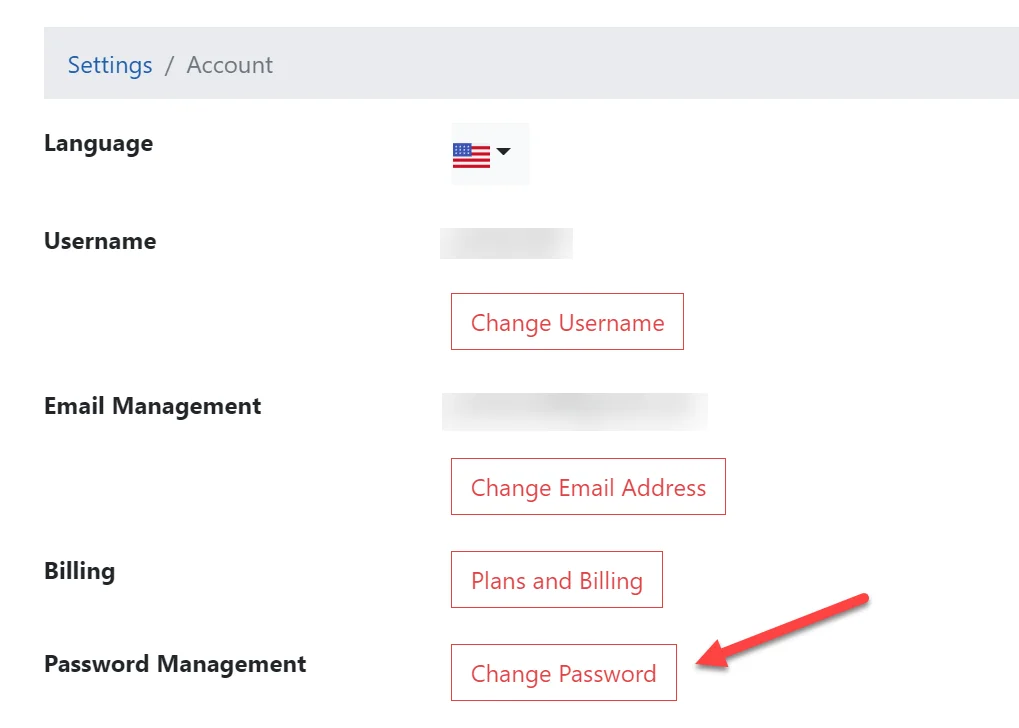
You can navigate to the Change Password page by clicking the Change Password button on the Account Settings page or by visiting the Change Password page directly.
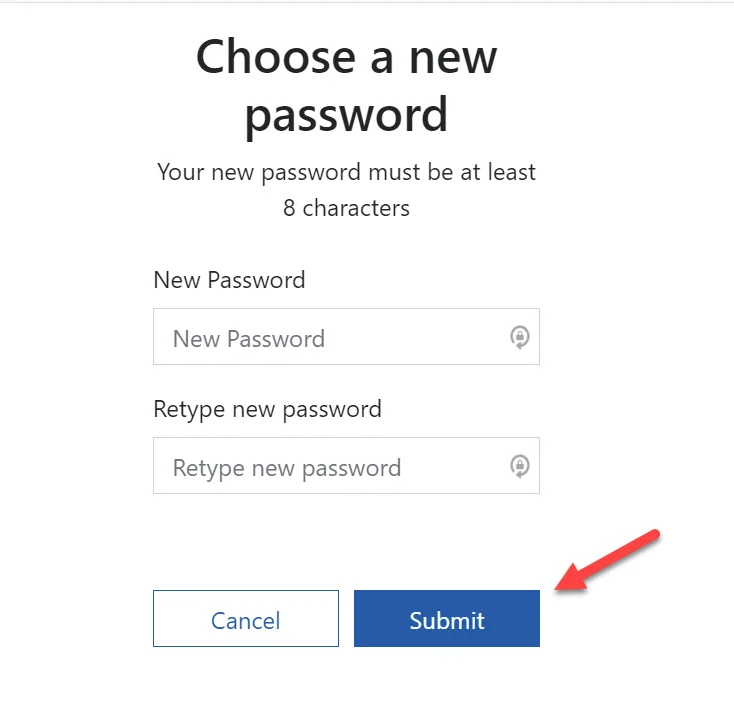
On the Change Password page simply enter your new password, retype your password to confirm it and then click the Submit button.