
Account Management
Downgrading your account
You can downgrade your plan to the free plan page using the following instructions.
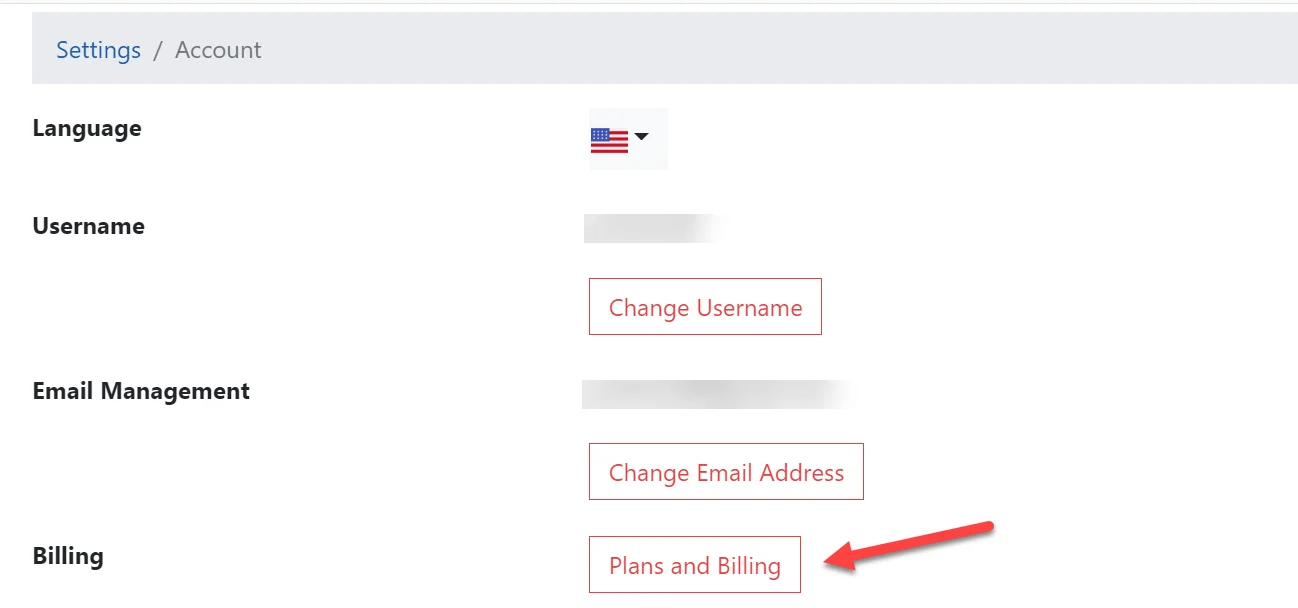
- First click the Plans and Billing button on the Account Settings page or by visiting the Billing page directly.
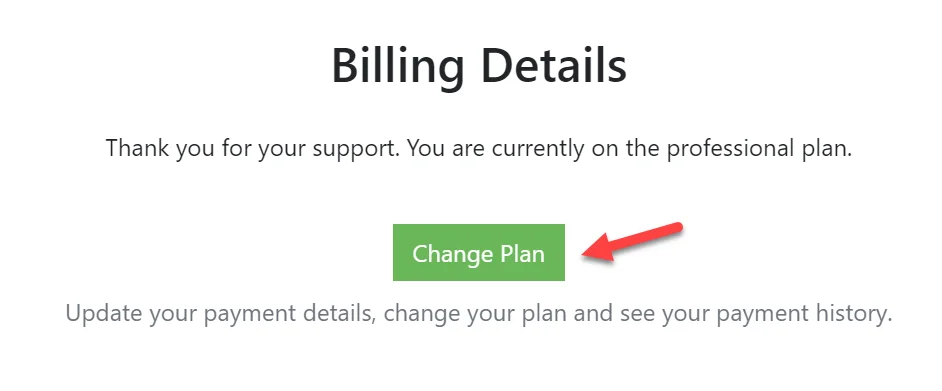
- Click the Change Plan button
- Click the Cancel Plan button
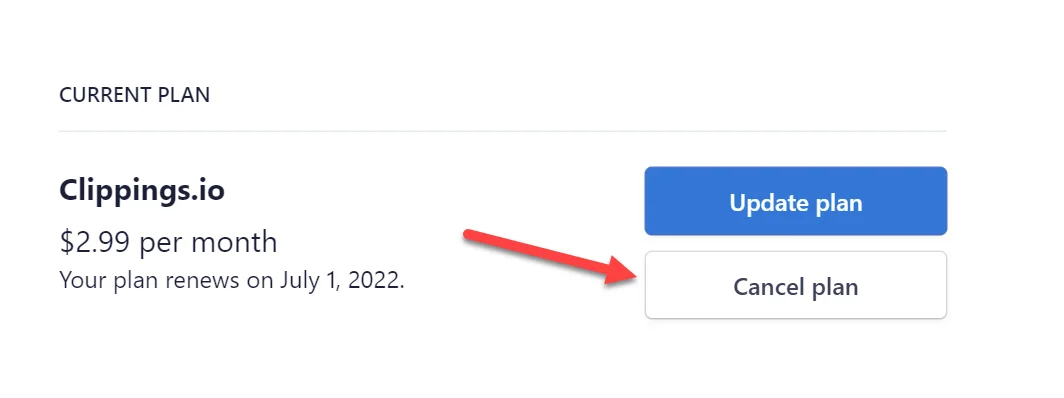
Your account you will account will remain on the professional plan until the end of the subscription period at which point it will be downgraded to the free plan.
Deleting your account
You can navigate to the Delete Account page by clicking the Delete Account button on the Account Settings page or by visting the Delete Account page…
Changing your Password
You can navigate to the Change Password page by clicking the Change Password button on the Account Settings page or by visiting the Change Password…